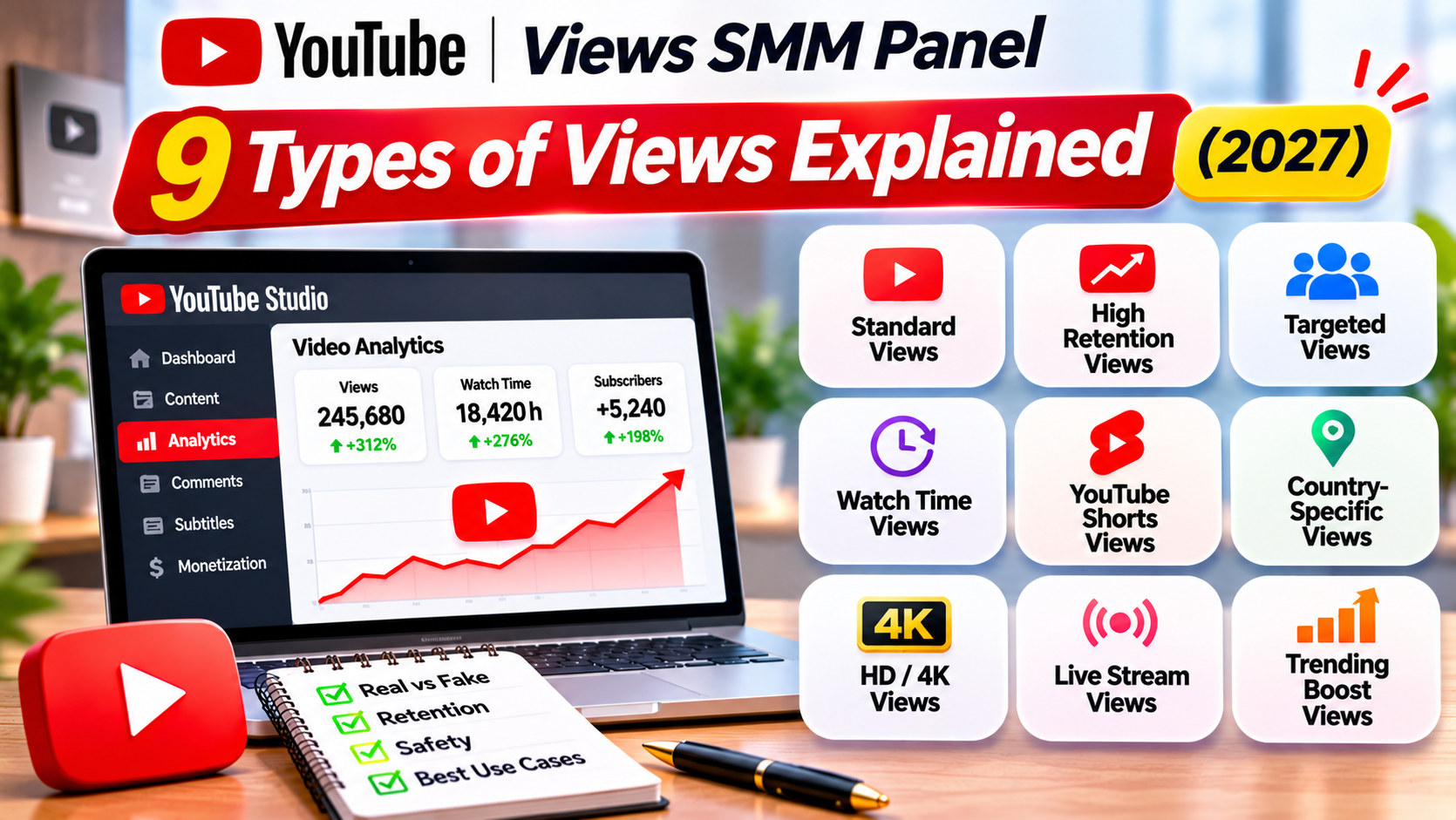
YouTube Views SMM Panel: 9 Types of Views Explained (2027)
A YouTube views SMM panel sells views labelled by source, retention, country and speed. The main types are standard views, external views, suggested views, search views, ads-based views, high retention views, geo-targeted views, Shorts views and live stream viewers. They differ in price, delivery speed, how they appear in YouTube Studio’s traffic sources and how likely they are to drop. None of them brings your target audience the way your own ads or content do.
Why views are labelled by type
Open the YouTube section of any panel and you will see a long list of views services with similar names and different prices. A service at ₹50 per 1,000 and another at ₹400 per 1,000 can both say “YouTube views”. The labels in brackets tell you how they differ.
Those labels usually describe four things:
- Source: where the panel claims the views come from, which affects how they show in YouTube Studio.
- Retention: how long each view stays on the video.
- Geography: which country the views come from.
- Speed: how many views arrive per day.
Knowing what each label means helps you avoid paying extra for something you do not need, or paying little for something that will drop in a week.
How YouTube Studio shows traffic sources
YouTube Studio’s Traffic source report splits your views by where they came from. The main categories include:
- YouTube search
- Suggested videos
- Browse features (Home feed, subscriptions)
- Shorts feed
- External (websites and apps that link to or embed your video)
- YouTube advertising
- Channel pages, playlists, notifications and direct or unknown
When a panel labels views as “external” or “suggested”, it means the views are meant to appear under that category. Check Studio after an order to see where they actually landed.
The 9 common types of panel views
1. Standard views
The basic service, often the cheapest. Source is usually mixed or not stated. Delivery is fast. Drop rates vary a lot, so check the refill terms.
Good for: a quick change to the counter when you do not care where views appear in analytics.
2. External views
Views meant to arrive from outside YouTube, such as websites, social networks or embedded players. They show under External in Studio.
Good for: making a video shared on other sites look active. External traffic is normal for videos promoted on blogs or social media.
3. Suggested views
Views meant to appear as if they came from the suggested videos panel, often next to a related video you specify.
Good for: buyers who want the traffic source split to look like organic discovery. Note that real suggested traffic depends on real viewers’ behaviour, and these views do not create that behaviour.
4. Search views
Views meant to come through YouTube search, sometimes for a keyword you give.
Good for: buyers who want search traffic to show in Studio. Bought search views do not make a video rank for a keyword on their own. Ranking follows how real searchers respond to your title, thumbnail and content.
5. Ads-based views
Some panels sell views that are delivered by running your video as an ad through an advertising account the provider controls. These may show under YouTube advertising in Studio.
Good for: buyers who want views from real ad impressions without managing a Google Ads account. The drawback: you do not control the targeting, so the viewers may not match your audience. If you want control, running your own Google Ads campaign is usually better value.
6. High retention views
Views that stay on the video for a stated time, such as 1 to 3 minutes or a percentage of the video. They cost more than standard views.
Good for: longer videos where a page full of very short views would look odd. Retention claims are hard to check, so look at the Average view duration change in Studio after the order.
7. Geo-targeted views
Views from a named country, such as India, the US or the UAE. Often priced higher than worldwide views. [CONFIRM: geo-targeted services]
Good for: videos aimed at one country, so the Geography report does not show an unexpected spread. For example, a Marathi cooking channel would look odd with most views from countries where its audience does not live.
8. Shorts views
Views built for YouTube Shorts and ordered with a youtube.com/shorts/ link. Usually cheaper and faster than long-form views.
Good for: Shorts only. Using a long-form service on a Short, or the reverse, is a common reason orders fail.
9. Live stream viewers
Concurrent viewers on a live stream for a set duration, such as 30, 60 or 120 minutes.
Good for: making a live session look attended while real viewers join. Note that YouTube’s fake engagement policy specifically mentions using services that artificially inflate live traffic, so this type carries clear risk.
Comparing the types
Type
Relative price
Speed
Shows in Studio as
Drop risk
Standard
Low
Fast
Mixed
Higher
External
Low to medium
Fast to medium
External
Medium
Suggested
Medium
Medium
Suggested videos
Medium
Search
Medium
Medium
YouTube search
Medium
Ads-based
Medium to high
Medium
YouTube advertising
Lower
High retention
High
Slower
Varies
Medium
Geo-targeted
Medium to high
Slower
Varies
Medium
Shorts
Low
Fast
Shorts feed or mixed
Medium
Live viewers
Medium to high
Live only
Live metrics
Live only
This is a general guide. Each service on each panel can differ, so read its description and test with a small order.
What every views type has in common
Whichever type you choose, panel views share three limits.
They do not bring your audience. You cannot choose the age, interests or city of the viewers. Your own Google Ads campaign can.
They do not create recommendation signals. YouTube recommends videos that real viewers click and keep watching. Bought views change the counter, not those signals.
They carry policy risk. YouTube’s fake engagement policy prohibits artificially inflating views. YouTube can remove views its systems flag, and it can act against content and channels.
How to choose a type
Ask yourself:
- What will people see? If it is only the counter, standard or external views are enough.
- Will someone read the analytics? If a client or manager checks traffic sources, choose a type that matches how the video was really promoted, and report panel views separately.
- Is the audience in one country? Pick geo-targeted views for that country.
- Is it a Short? Use a Shorts service.
- Do you need real targeted viewers? Then a panel is the wrong tool. Run your own ads.
Here is a hypothetical example. A Kochi travel agency shares a Kerala backwaters video in a newsletter. It wants the page to look active when readers arrive. 1,500 India-targeted external views, drip-fed over 3 days, matches how the video is being promoted. For actual bookings, it runs a Google Ads campaign targeted at people in Bengaluru, Chennai and Mumbai interested in travel.
How to read YouTube Studio after a views order
If you place a panel order, check these reports 24 hours and 7 days later. They tell you what you actually received.
Traffic source. Open the video’s Analytics, go to the Reach tab and look at Traffic source types. Did the views land where the service said they would, such as External or Suggested videos? If a “search views” order shows mostly under External, the label did not match the delivery.
Average view duration. In the Engagement tab, compare average view duration before and after the order. A sharp drop means the views were very short. For high retention services, this is the number that shows whether you got what you paid for.
Geography. In the Audience tab, check where viewers came from. A geo-targeted order for India should show India at or near the top.
Real-time views. The real-time card on the Overview shows views in the last 48 hours. A smooth rise suggests drip feed worked. A tall spike in one hour suggests it did not.
Subscribers from the video. Panel views rarely add subscribers. If subscribers did not move while views jumped, that is expected, and a reminder that the order changed the counter, not the audience.
Note any gap between what the service described and what Studio shows, and include it in a ticket if you need a refill or a refund.
A quick decision guide
If you need
Choose
The counter to look active, nothing else
Standard or external views
A believable country split
Geo-targeted views
Longer average duration on a long video
High retention views, tested first
A Short to look active
Shorts views
Real people in your audience
Your own Google Ads campaign, not a panel
Keep the last row in mind. Every panel views type is a presentation tool. Audience growth comes from content, search, Shorts and real promotion.
Frequently Asked Questions
1. What types of views does a YouTube views SMM panel sell?
Common types are standard, external, suggested, search, ads-based, high retention, geo-targeted, Shorts views and live stream viewers.
2. What are external YouTube views?
Views meant to come from outside YouTube, such as websites or social networks. They show under External in YouTube Studio.
3. What are high retention views?
Views that stay on the video for a stated time, such as 1 to 3 minutes. They cost more than standard views.
4. Do search views help my video rank?
Not on their own. Ranking depends on how real searchers respond to your title, thumbnail and content.
5. Are ads-based panel views the same as running Google Ads?
No. You do not control the targeting. Running your own Google Ads campaign lets you choose the audience.
6. Why do some views services cost much more than others?
Price reflects source, retention, country targeting and drop rate. Cheaper services often drop more.
7. Which views type drops the least?
It varies by panel and service. Check refill terms and test with a small order before buying more.
8. Can I buy views from India only?
Many panels offer India-targeted views. Check the service description for the country and expected speed.
9. Are live stream viewer services allowed by YouTube?
YouTube’s fake engagement policy specifically mentions services that artificially inflate live traffic, so they carry clear risk.
10. Which views type should I choose for my video?
Match it to how the video is promoted and who will read the analytics. If you need real targeted viewers, run your own ads instead.