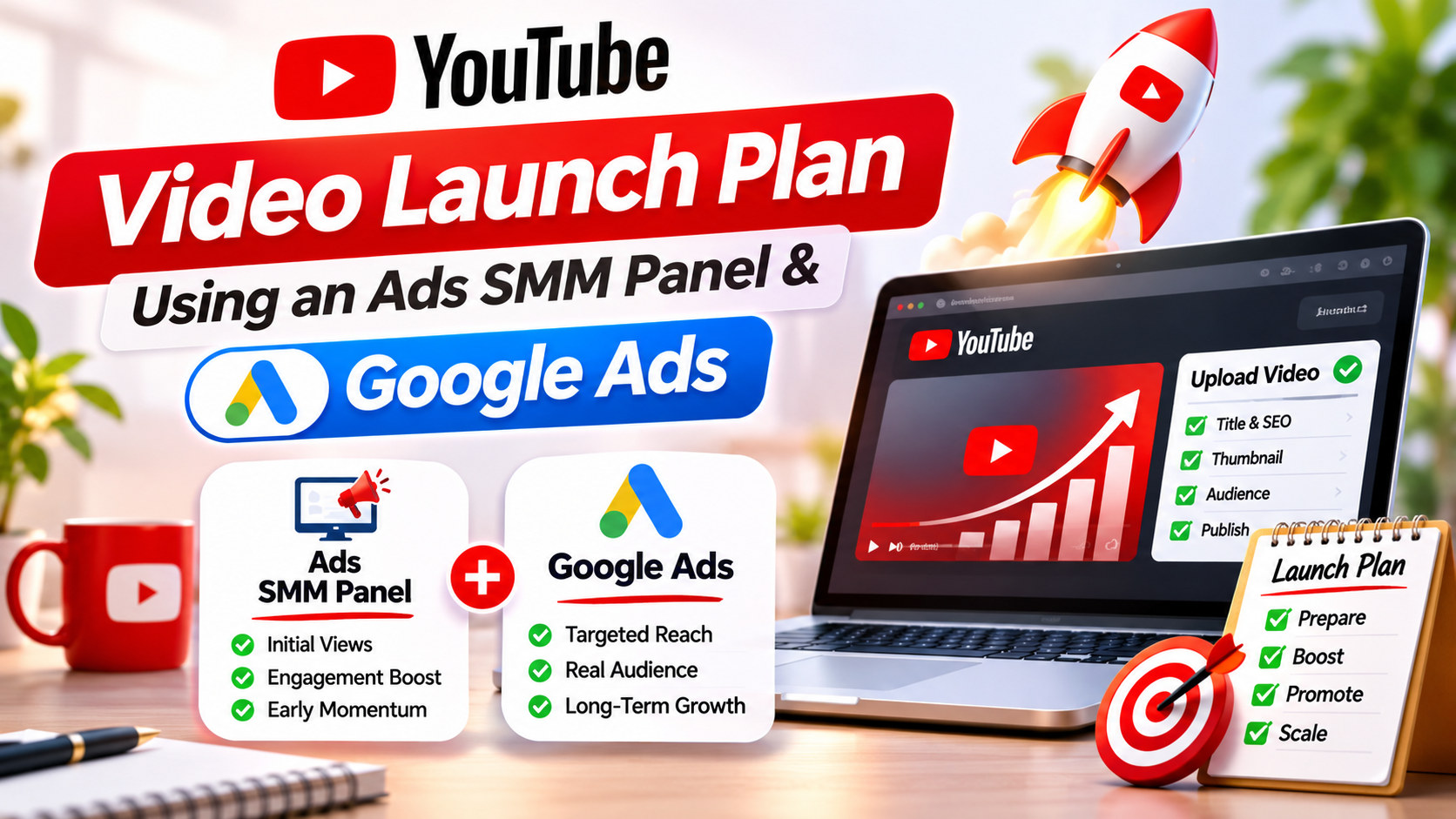
YouTube Video Launch Plan Using an Ads SMM Panel and Google Ads
Plan a YouTube video launch in three stages. In the 7 days before, prepare the title, thumbnail, description, Premiere and promotion list. On launch day, share the video with your own audience, start a Google Ads campaign and, if you use a YouTube ads SMM panel, add only a small drip-fed order. In the 14 days after, cut what is not working and put more money behind what is.
Why launches need a plan
The first 48 hours after upload shape how a video performs. YouTube tests a new video with a small group of viewers, often your subscribers and people who watch similar content, and watches how they respond. If they click and keep watching, the video gets shown to more people.
That is why brands and creators want a strong start. Some reach for an SMM panel to make the numbers look active from the first hour. A panel can change what the page shows, but it does not change how real viewers respond, and that response is what decides how far the video travels. A good launch plan puts most of its effort into getting the right real viewers in early.
Stage 1: Seven days before launch
Day 7: Lock the video
Finish the edit a week early. Watch the first 30 seconds with fresh eyes. Does it say what the viewer will get? If the first line is “Hi guys, welcome back”, cut it and open with the result or the problem.
Day 6: Title and thumbnail
Write five title options and make two thumbnails. Show them to five people who match your audience and ask which one they would click. Keep titles under about 60 characters so they do not get cut off on mobile.
Day 5: Description and chapters
Write a description that answers the main search question in the first two lines. Add chapters with timestamps for videos longer than 5 minutes. Put your key link near the top.
Day 4: Set up a Premiere
A YouTube Premiere lets you schedule the video and gives it a watch page with a countdown. People can set a reminder, and you get a live chat during the first showing. Share the Premiere link in advance.
Day 3: Build your promotion list
List every place your audience already gathers:
- your Instagram, Facebook and LinkedIn pages
- your email list
- WhatsApp Business broadcast lists and Channels
- relevant Reddit communities, Facebook groups and Discord servers where self-promotion is allowed
- other creators who agreed to share or collaborate
Day 2: Prepare the Google Ads campaign
Create the campaign in your Google Ads account, linked to your channel, but keep it paused. Choose your audience by location, age and interests. Set a daily budget. For a first launch, ₹500 to ₹1,000 per day for 7 days is a workable test for many Indian brands.
Day 1: Decide on panel support
If you plan to use a YouTube ads SMM panel, decide now how much and when. Write it down so you do not over-order on launch day in a panic. A sensible ceiling: panel views no higher than 10% to 20% of the views you expect from ads and your own audience in the first week.
Read the service details on the panel first. On Truesmmpanel, check start time, speed, refill window and drip-feed options for each service. [CONFIRM: drip-feed option] [CONFIRM: refill policy]
Stage 2: Launch day, hour by hour
Here is a sample timeline for a Premiere at 6 pm IST.
Time
Action
10 am
Post a reminder on Instagram Stories and in WhatsApp Channels with the Premiere link
4 pm
Send the email to your list
5:30 pm
Pin a comment ready to post with your main link
6 pm
Premiere starts. Be in the live chat and reply to every comment
6:15 pm
Unpause the Google Ads campaign
7 pm
If using a panel, place a small drip-fed views and likes order
9 pm
Check YouTube Studio’s real-time view count and average view duration
11 pm
Reply to new comments, share the best viewer comment on Instagram
Two reasons to place any panel order after your own audience arrives. First, it keeps your real viewers’ behaviour clear in your analytics during the first hour. Second, it avoids a sudden spike before anyone real has watched, which looks odd to visitors.
Remember the rules while you plan this. YouTube’s fake engagement policy prohibits artificially inflating views and likes. If the channel matters to your business, keep panel use small or leave it out.
Stage 3: Fourteen days after launch
Days 1 to 3: Read the early numbers
Open YouTube Studio and Google Ads and note:
- click-through rate on impressions (Studio)
- average view duration and the retention graph (Studio)
- view rate and cost per view (Google Ads)
- subscribers gained from the video (Studio)
If retention drops sharply at one point, note the timestamp. That is a lesson for the next edit, and sometimes a reason to cut a shorter version for ads.
Days 4 to 7: Adjust the ads
If one audience has a much lower cost per subscriber or per click, move budget to it. If the ad’s view rate is low, try a cut that opens with a stronger first 5 seconds. Skippable ads lose most viewers at the skip button, so the opening carries the ad.
Days 8 to 14: Extend the reach
- Cut two or three Shorts from the best moments and link them to the full video.
- Add the video to a playlist with related uploads.
- Post a community update asking a question the video answers.
- Retarget people who watched 50% or more with your next video or offer.
Do not add more panel orders at this stage. By now, the video’s growth should come from real viewers. If it does not, the answer is a better video or better targeting, not more bought numbers.
A sample launch budget
Hypothetical figures for a Bengaluru skincare brand launching a product video:
Item
Amount
Google Ads, 10 days at ₹800 per day
₹8,000
Creator collaboration (one Instagram reel sharing the video)
₹3,000
Thumbnail design
₹800
Optional panel support on launch day
₹400
Total
₹12,200
About 97% of this budget goes to real promotion and creative. The panel line is optional, and the plan still works without it.
What to measure at the end
After 14 days, write a one-page launch report with:
- total views, split into ads, organic and any panel orders
- watch time and average view duration
- subscribers gained and cost per subscriber from ads
- website clicks, enquiries or sales
- what you would change next time
Splitting views by source keeps the report honest. A launch that got 20,000 views, of which 15,000 came from a panel, did not reach 20,000 people.
Launch-day mistakes to avoid
Even with a plan, a few mistakes come up again and again on launch day.
Changing the title and thumbnail every hour. Give a title and thumbnail at least 24 to 48 hours before you judge them. If you must test, YouTube Studio’s Test and compare feature lets you try up to three thumbnails on one video.
Ignoring the comments. The first 20 comments set the tone. Reply to each one, pin the most useful, and answer questions with timestamps.
Spending the whole ad budget on day one. Set a daily budget and let it run. A launch is a two-week effort, not a two-hour one.
Ordering more panel views when real numbers look slow. This hides the problem and confuses your analytics. If views are slow, look at click-through rate first. A low rate means the thumbnail or title needs work.
Forgetting mobile. Most YouTube viewing in India happens on phones. Check that your thumbnail text is readable at small size and your opening works with the sound off for the first few seconds.
No next step for the viewer. End the video with one clear action: a link to the product, a related video or a subscribe prompt tied to what comes next.
A launch checklist you can copy
Use this list in the week before release:
- ☐ Final edit locked, first 30 seconds reviewed
- ☐ Title under about 60 characters, two thumbnail options ready
- ☐ Description with the answer in the first two lines, chapters added
- ☐ Premiere scheduled and link shared
- ☐ Promotion list written with dates and times
- ☐ Google Ads campaign built and paused, targeting checked
- ☐ Panel support decided in writing, or skipped
- ☐ Pinned comment drafted
- ☐ Two or three Shorts cut and scheduled for days 3 to 10
- ☐ Launch report template ready
Ticking every box before day 0 means launch day is about responding to viewers, not scrambling to finish setup.
Frequently Asked Questions
1. When should I start promoting a YouTube video launch?
Start 7 days before. Use that week for the title, thumbnail, description, Premiere setup and your promotion list.
2. Should I use a YouTube Premiere for a launch?
A Premiere gives you a countdown page, reminders and live chat for the first showing. It suits launches where you have an audience to invite.
3. How much should I spend on ads for a launch video?
Many Indian brands test with ₹500 to ₹1,000 per day for 7 to 10 days, then adjust based on cost per result.
4. When should I place an SMM panel order during a launch?
If you use one, place a small drip-fed order after your own audience and ads have started, not before anyone has watched.
5. How many panel views is too many?
Keep panel views well below real views. A ceiling of 10% to 20% of expected first-week views keeps your analytics readable.
6. What numbers matter most in the first 48 hours?
Click-through rate, average view duration, retention, view rate on ads and subscribers gained.
7. Can a panel order make YouTube recommend my video?
Recommendations depend on how real viewers respond. Panel views change the counter but do not create the viewer behaviour YouTube looks for.
8. Should I make Shorts from my launch video?
Yes. Two or three Shorts cut from the best moments, linked to the full video, extend its reach in the second week.
9. What if my launch video underperforms?
Check retention for the drop-off point, test a new thumbnail and adjust ad targeting. More bought numbers will not fix it.
10. How do I report launch results honestly?
Split views by source: ads, organic and panel orders. Report watch time, subscribers and business results alongside the view count.