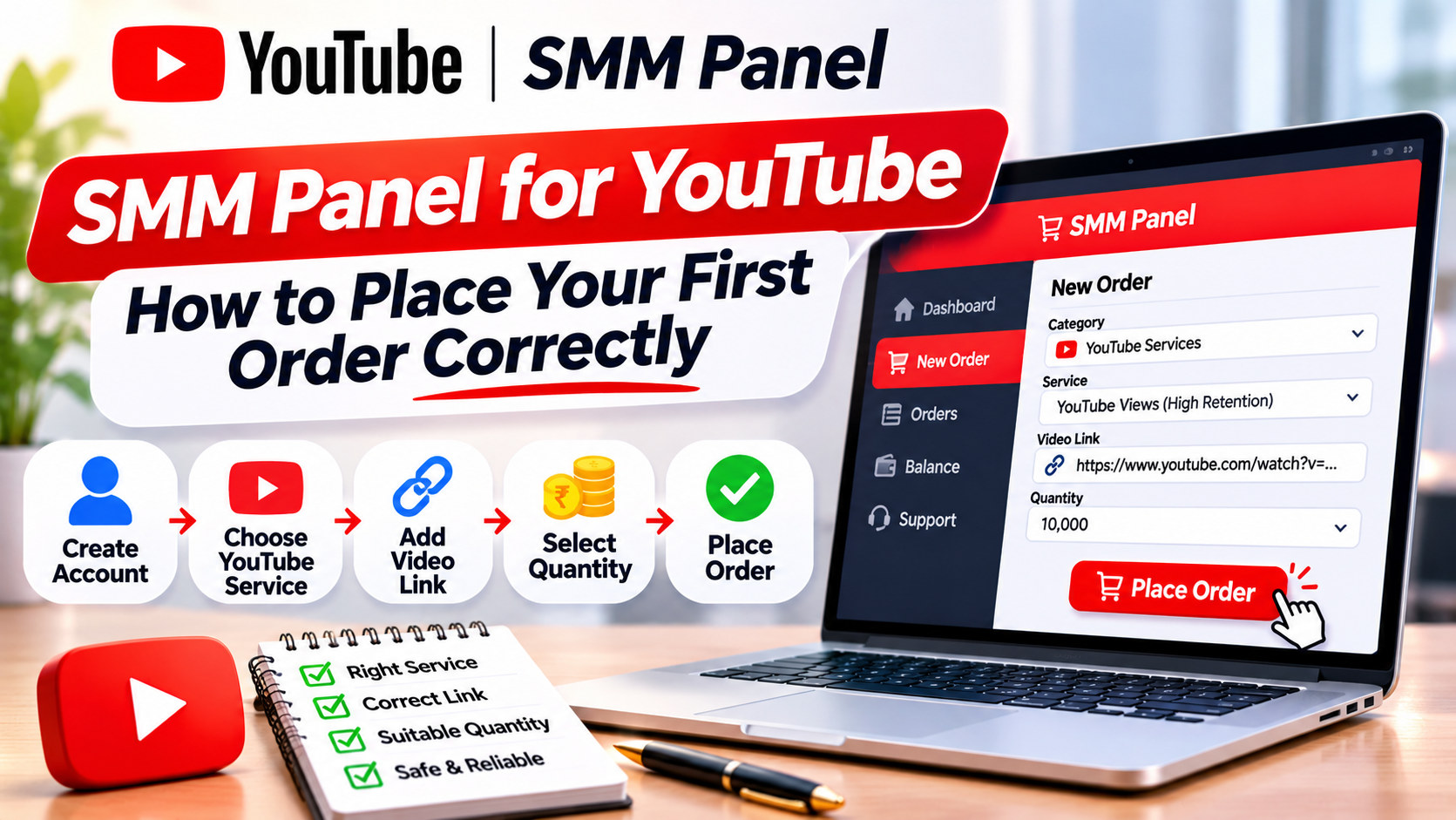
SMM Panel for YouTube: How to Place Your First Order Correctly
To place your first order on an SMM panel for YouTube, add a small amount of funds, open the YouTube category, read the service description (start time, speed, minimum, refill), paste the correct public link, set a small test quantity and confirm. Then track the order status and compare the start count with the final count. Most first-order problems come from wrong links, private videos or overlapping orders.
Before you start
This guide assumes you already know what an SMM panel is and have decided to try one. If you are still deciding whether a panel suits your channel, read about YouTube’s fake engagement policy first. It prohibits artificially inflating views, likes, comments and subscribers, and that affects how much risk you should take.
You will need:
- a public YouTube video or channel
- an email address for the panel account
- a payment method the panel accepts, such as [CONFIRM: payment methods]
- 10 minutes
Step 1: Create and secure your account
Sign up with an email address you check daily, because order updates and support replies go there. Use a password you do not use anywhere else. If the panel offers two-factor login, turn it on. Your wallet balance sits in this account, so treat it like a bank login.
Step 2: Add a small amount of funds
Go to Add Funds and top up just enough for a test. On Truesmmpanel the minimum deposit is [CONFIRM: minimum deposit]. A first deposit of a few hundred rupees is enough to test two or three services.
Keep the payment receipt or transaction ID. If a payment does not show in your balance within the stated time, support will ask for it.
Step 3: Find the right service
Open New Order and choose the YouTube category. You will see a list of services, each with a service ID, name and price per 1,000.
Names can look alike. “YouTube Views [Fast]” and “YouTube Views [Refill 30D]” may differ a lot in quality and terms. Click each one and read the description before you choose.
Step 4: Read the service description properly
A good description includes these fields. Here is what each one means for you:
Field
Example
What to check
Start time
0 to 3 hours
When delivery should begin
Speed
2,000 to 5,000 per day
How fast the count rises
Minimum
100
Smallest order allowed
Maximum
50,000
Largest single order
Refill
30 days
How long drops are covered
Link format
Video link
What URL to paste
Notes
“Do not change video to private”
Conditions that void the order
If the description is missing start time, refill terms or link format, pick another service or ask support before ordering.
Step 5: Paste the correct link
Wrong links cause more failed orders than anything else. Use the format the service asks for:
- Video services (views, likes, comments): https://www.youtube.com/watch?v=VIDEO_ID or https://youtu.be/VIDEO_ID
- Shorts services: https://www.youtube.com/shorts/VIDEO_ID
- Subscriber services: your channel URL, such as https://www.youtube.com/@yourhandle
- Live services: the live stream’s watch link while it is live
Check these before you paste:
- The video is public. Private videos cannot receive views. Unlisted videos may not work with every service.
- The link has no extra tracking parameters such as &t=45s or &si= unless the service allows them.
- You are pasting a Short into a Shorts service, not a regular views service, if the panel separates them.
Step 6: Set a test quantity
For your first order, use the minimum or close to it. Here is a hypothetical example:
- Service: YouTube Likes, ₹120 per 1,000
- Quantity: 200
- Cost: 200 ÷ 1,000 × ₹120 = ₹24
The panel shows the charge before you confirm. Note down the video’s current count. This is your own start count, and it helps you check delivery later.
Step 7: Use drip feed if you need it
If the service supports drip feed, you can split an order into runs. For example:
- Quantity per run: 500
- Runs: 6
- Interval: 1,440 minutes (24 hours)
- Total: 3,000 over 6 days
For a first test, skip drip feed and use a small single order. Use drip feed later for larger amounts so the count rises gradually. [CONFIRM: drip-feed option]
Step 8: Track the order status
Open the Orders page. Each order shows a status. The common ones are:
Status
Meaning
Pending
Accepted, not started yet
In progress / Processing
Delivery is running
Completed
Full quantity delivered
Partial
Only part delivered; the rest is usually refunded to your wallet
Canceled
Not delivered; balance returned to your wallet
The order also shows a start count (the number when delivery began) and remains (how many are left). If the start count was 1,240 and you ordered 200 likes, the video should show about 1,440 when complete, plus any organic likes.
Step 9: Check after 7 days
Go back a week later. Compare the current count with start count plus quantity. If it has dropped and your service includes refill, use the Refill button on the order or open a ticket with the order ID. Truesmmpanel’s refill process is [CONFIRM: refill policy].
Mistakes that cost first-time buyers money
Ordering on the same link twice at once. If you place two views orders on one video at the same time, the panel cannot tell which order delivered what. One may be marked complete early. Wait until the first finishes.
Changing the video while an order runs. Making the video private, deleting it or changing its link can stop delivery, and the order may not be refunded.
Using the wrong service type. A subscriber service with a video link fails. A views service with a channel link fails.
Ordering too much on day one. If the service turns out to drop or start late, a large order means a large loss.
Expecting results the service cannot give. A views order raises the counter. It does not add watch time from your audience, more subscribers or sales.
Placing several orders at once
Many panels have a Mass Order page for agencies. You paste one order per line in this format:
service_id | link | quantity
For example:
1234 | https://www.youtube.com/watch?v=abc123 | 1000
1240 | https://www.youtube.com/watch?v=abc123 | 50
This places 1,000 views and 50 likes on the same video. Check every line before submitting, because one wrong service ID can send the wrong service to a client’s video.
Contacting support the right way
If something goes wrong, open a ticket with:
- the order ID
- the service ID
- the link you used
- what you expected and what you see now
A short, specific ticket gets a faster answer than “order not working”. Truesmmpanel’s support runs through [CONFIRM: support channels and hours].
A glossary of panel terms
Panel dashboards use a lot of shorthand. Here is what the common terms mean when you see them on a YouTube service.
Term
Meaning
Service ID
The number that identifies a service. Use it in tickets and mass orders.
Rate per 1,000
The price for 1,000 units of the service.
Min / Max
The smallest and largest quantity one order can have.
Start count
The count on your video or channel when delivery began.
Remains
How many units the panel still has to deliver.
Drip feed
Splitting one order into several runs at set intervals.
Runs
How many times a drip-feed order repeats.
Interval
Minutes between drip-feed runs. 1,440 minutes is 24 hours.
Refill
Replacing units that drop within a stated period.
R30, R60, R90
Shorthand for a 30, 60 or 90-day refill window.
No refill / NR
Drops are not replaced.
Non-drop / Low drop
The seller expects few drops. It is a claim, not a guarantee.
Instant
Delivery is meant to start soon after ordering. Check the stated start time.
Geo / Targeted
Delivery from a named country.
Partial
The order delivered only some of the quantity.
Mass order
Placing many orders at once, one per line.
API
A way to place and track orders from your own software.
When a service name uses a term you do not recognise, ask support before ordering rather than guessing.
Keeping a simple order log
If you place more than a few orders a month, keep your own log in a spreadsheet. Panel order pages show recent orders, but your own log helps you compare services over time and handle refills.
Use these columns:
- date and time ordered
- order ID and service ID
- link and video title
- quantity and cost
- your own start count
- count after 24 hours, 7 days and 30 days
- refill requested (yes or no) and outcome
After 10 to 15 orders, sort by drop after 30 days. The services at the top of that list are the ones worth using again. The ones at the bottom can come off your list for good.
Frequently Asked Questions
1. How do I use an SMM panel for YouTube?
Create an account, add funds, pick a YouTube service, paste the correct public link, set the quantity and confirm. Then track the order on the Orders page.
2. What link should I use for YouTube subscribers?
Use your channel URL, such as youtube.com/@yourhandle. Video links do not work for subscriber services.
3. Can I order views on an unlisted video?
Some services need the video to be public. Check the service notes, and keep the video public during delivery.
4. What does “Partial” mean on my order?
The panel delivered part of the quantity. The undelivered part is normally refunded to your panel wallet.
5. Why did my order show “Completed” but the count looks lower?
YouTube may have filtered some views or likes, or the count updates with a delay. Check again after 24 hours and request a refill if covered.
6. Can I cancel an order after placing it?
Some services allow cancellation before delivery starts. Once running, most cannot be canceled. Check the service notes.
7. How much should my first order be?
Use the minimum or close to it, such as 100 to 500 units, so you can test start time and drop rate cheaply.
8. Should I place two orders on the same video at once?
No. Wait for the first order to finish so the panel can track each one correctly.
9. What happens if I make my video private during an order?
Delivery usually stops, and the order may not be refunded. Keep the video public until the order completes.
10. How do I request a refill?
Use the Refill button on the order, if shown, or open a ticket with the order ID within the refill window.